






















.png)
.png)
We use cookies to enhance your experience on our website. By continuing to browse this site, you give consent for cookies to be used. For more information, please review our Cookie Policy
Bringing Sri Lanka’s national payment infrastructure on par with international players.

Your new best friend for easy payments! Whether you're buying groceries, dining out, or shopping online, LANKAQR makes transactions a breeze. Just scan the QR code at any participating merchant with your smartphone, confirm the amount, and voila! Payment done in a snap.
No need to carry cash or cards – just scan and go! Plus, it's safe and secure, so you can shop with peace of mind.
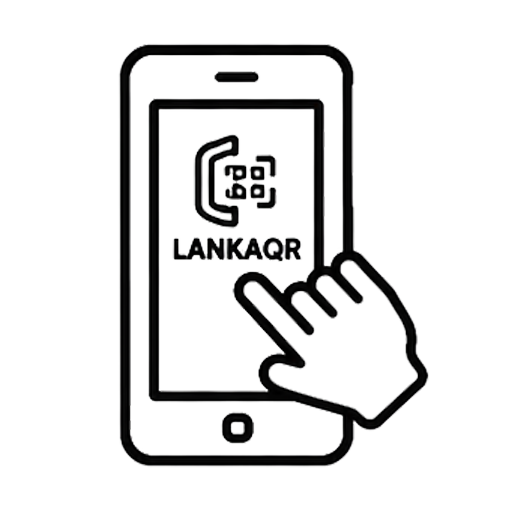
Look for the LANKAQR stand / sticker / dynamic QR display at the payment counter of the institution.
Log into your preferred mobile banking or wallet application that supports LANKAQR payments.
Select the 'Scan & Pay' or 'QR Payment' option within the application.

Scan the LANKAQR code displayed at the counter using your mobile device.
Enter the payment amount and any required reference details (such as account number, bill number, etc.), then confirm the transaction.
Upon successful payment, a confirmation message will be displayed on your mobile application. Ensure to show this confirmation to the officer at the counter.
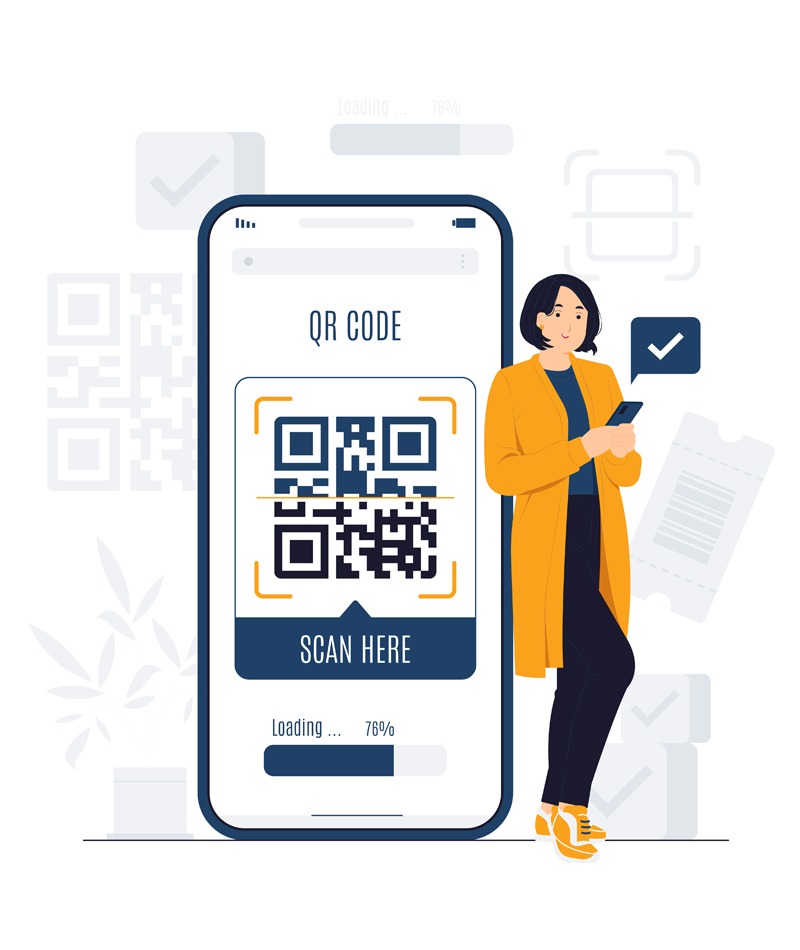
Experience a faster, safer and more convenient way to make day-to-day payments with LANKAQR.
LANKAQR is Sri Lanka's national QR payment standard, enabling you to make secure digital payments directly from your bank's mobile banking app or your preferred fintech app—without cash or cards.
LANKAQR-enabled mobile applications that I can Scan and Pay

Sign up for LankaPay's newsletter to stay informed about the latest trends, regulations, and product details delivered straight to your email.
LankaPay is the national payment network of Sri Lanka which provides the central payment infrastructure to the country’s financial sector. With a mission to drive financial inclusivity and empower businesses and individuals with faster, convenient and secure payment options, making payment convenience an affordable and accessible choice for all.
Location
LankaPay (Pvt) Ltd. ‘The Zenith’, 161/A,
Dharmapala Mawatha, Colombo 00700, Sri Lanka.
FOLLOW US ON :
© 2026 LankaPay. All rights reserved.
Designed & Developed by 










.jpg)